

Get up and Running on Design Flex
Step 1: Join our Weekly Onboarding Sessions
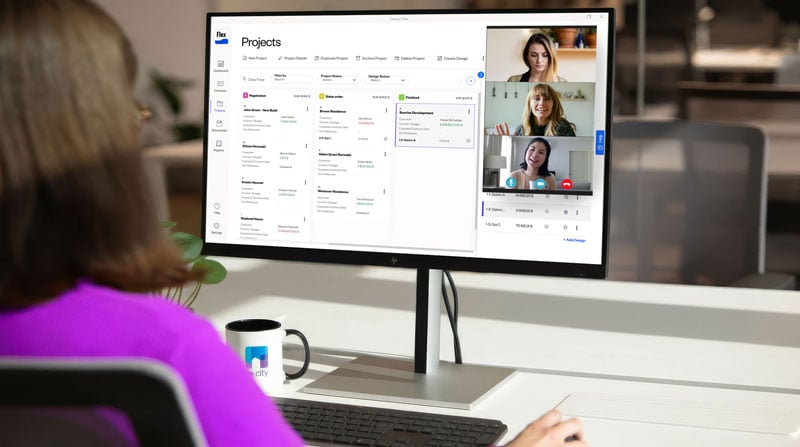
Get hands-on guidance from our onboarding specialists every Monday. In these live sessions, you'll set up your workspace, configure your preferences, and learn the essential tools to start designing with confidence – right from day one.
Can't make it live? The recording will be available anytime.
Step 2: Activate Flex Cloud
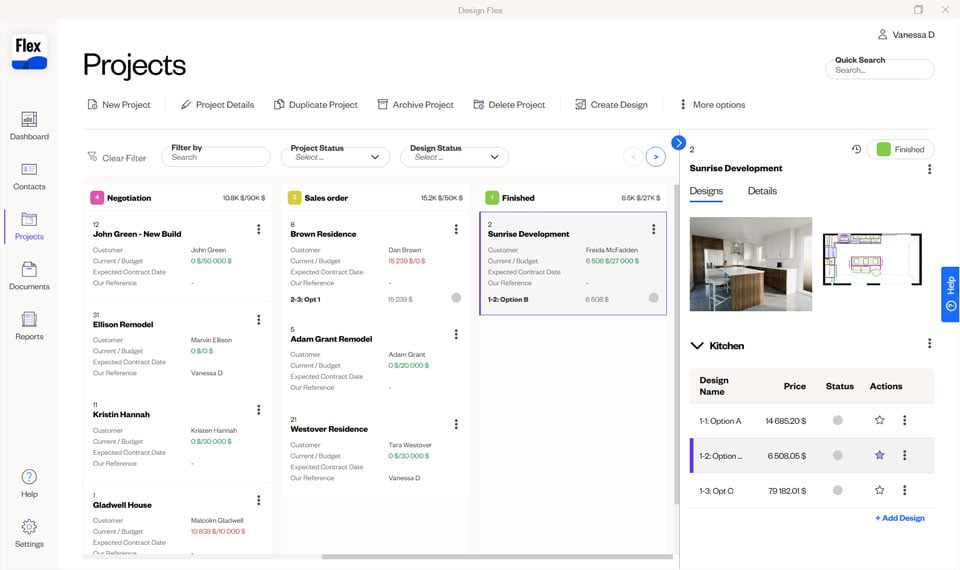
All in one connected dashboard: Flex Cloud lets you manage clients, projects, and design files from anywhere – included in your subscription at no extra cost.
Your account admin activates Flex, sets up branding, and assigns user roles. Designers can then log in and access their Flex Dashboard to start managing their projects and designs.

Step 3: Activate Cyncly Payments as part of your Flex Cloud solution
Cyncly Payments is built directly into Design Flex – no third-party tools needed. Invoice customers, collect payments, and track your business performance all from the same place you design.

Step 4: Enroll in Training
Get the most out of Design Flex with training designed around you. From free self-paced courses to in-depth on-demand and instructor-led programs, we have the right option for your schedule and budget. Register for your free training account today and accelerate your onboarding.