What software do kitchen designers use? An honest look at the tools professionals rely on
Kitchen

Sebastian Lewe
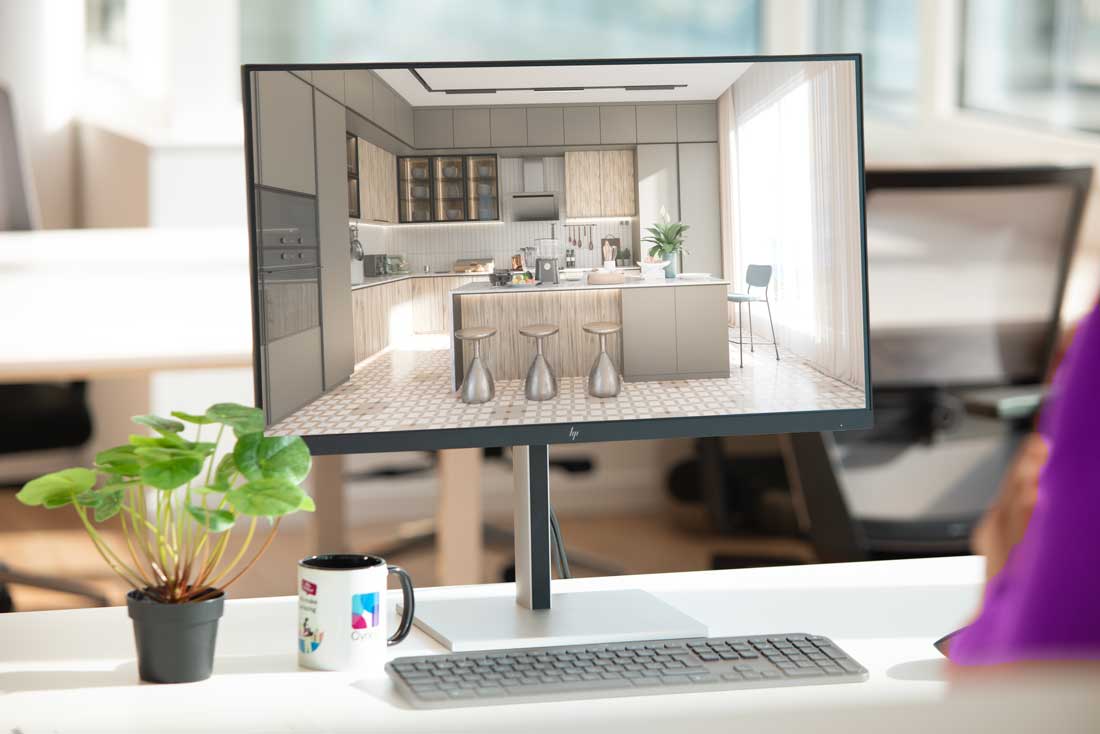
Navigating the Digital Toolkit: What Software Do Kitchen Designers Use?
The right kitchen design software isn't just a luxury—it's a necessity. From conceptualization to installation, designers rely on a sophisticated array of digital tools to bring their visions to life and ensure seamless project execution. But with so many options available, how do you choose the best fit for your workflow, your clients, and your business?
This guide delves into the three primary layers of professional design software that kitchen designers leverage, offering insights for design students, career starters, and seasoned studio managers alike. We'll explore the foundational tools, specialized platforms, and advanced rendering solutions, highlighting how each contributes to a successful design journey.
The Three Layers of Professional Design Software
Professional kitchen design software can generally be categorized into three distinct, yet often interconnected, layers:
1. Computer-Aided Design (CAD) Software
At its core, CAD software provides the fundamental tools for technical drawing and precise spatial planning. These programs are essential for creating accurate floor plans, elevations, and detailed construction documents. They allow designers to manipulate dimensions, experiment with layouts, and ensure every element adheres to exact specifications. While powerful, generic CAD software often requires extensive manual input for kitchen-specific elements, making it a foundational but sometimes time-consuming choice for specialized design.
2. Specialized Kitchen and Bath Design Platforms
This is where the magic truly happens for kitchen designers. Platforms like Cyncly's Design Flex and Winner Flex are purpose-built to address the unique complexities of kitchen and bathroom spaces. They go beyond basic CAD functionalities by offering extensive libraries of manufacturer-specific catalogs, intelligent object placement, and automated design rules. These platforms streamline the design process, reduce errors, and accelerate quoting and ordering.
Cyncly Design Flex: This intuitive platform empowers designers to create stunning, accurate kitchen and bath designs with unparalleled speed. Its drag-and-drop functionality, extensive product catalogs, and intelligent design checks mean fewer revisions and faster client approvals. Design Flex helps designers visualize complex layouts, experiment with different finishes, and generate precise plans and elevations, ensuring that what the client sees is exactly what they get.
Cyncly Winner Flex: Winner Flex offers advanced capabilities tailored for comprehensive project management and sales. It integrates design with pricing, ordering, and even manufacturing data, providing a complete end-to-end solution. Winner Flex allows designers to generate detailed quotes, manage inventory, and track project progress, significantly improving efficiency and profitability for kitchen retailers.
3. Advanced Rendering and Visualization Software
Once the design is technically sound, the next step is to make it visually compelling. High-quality rendering software transforms technical drawings into photorealistic images and immersive 3D walkthroughs. These tools are crucial for client presentations, helping homeowners visualize their future space with stunning clarity. While some specialized design platforms include rendering capabilities, dedicated rendering software offers a higher level of realism and customization, often integrating with design platforms for a seamless workflow.
Real Customer Proof Points: The Impact of Integrated Solutions
The true value of these specialized platforms is best illustrated by the success of designers and businesses who use them. For instance, a medium-sized kitchen studio reported a 30% reduction in design time after implementing Design Flex, allowing their team to take on more projects without compromising quality. Another retailer saw a 15% increase in conversion rates by leveraging Winner Flex's integrated quoting and visualization tools, enabling faster, more confident client decisions. These results show the improvement, based on real-life customer data. Actual improvements may vary depending on specific implementation circumstances.
Use Case Comparison: Choosing Your Toolkit
| Feature / Use Case | Generic CAD Software | Specialized Kitchen/Bath Platform (e.g., Design Flex or Winner Flex) | Advanced Rendering Software |
| Technical Drawing | Excellent | Excellent | Limited |
| Kitchen-Specific Catalogs | Limited | Excellent | N/A |
| Automated Design Rules | Limited | Excellent | N/A |
| Quoting & Pricing | Manual | Excellent | N/A |
| Photorealistic Renders | Basic | Good (often integrated) | Excellent |
| Client Collaboration | Basic | Good | Good |
| Project Management | Limited | Excellent | Limited |
| Learning Curve | Moderate to High | Moderate | Moderate to High |
Professional Insights: Beyond the Features
Choosing the right software isn't just about checking off features; it's about understanding your workflow, your team's needs, and your business goals. For design students and career starters, mastering a specialized platform like Design Flex can provide a significant competitive edge, offering a comprehensive skill set that is highly valued by employers. Studio managers evaluating tools should consider the long-term ROI, focusing on how a solution integrates with existing processes and scales with business growth.
A Framework for Choosing the Right Tool
- Assess Your Needs: What are your primary pain points? Are you struggling with design speed, accuracy, quoting, or client visualization?
- Evaluate Integration: How well does the software integrate with other tools you use (e.g., CRM, ERP, manufacturing)?
- Consider Scalability: Can the software grow with your business? Does it support multiple users and complex projects?
- Review Support & Training: What kind of support and training resources are available? A robust support system is crucial for smooth adoption.
- Calculate ROI: Look beyond the initial cost. Consider the time saved, errors reduced, and increased sales potential.
By carefully evaluating these factors, kitchen designers can select a software suite that not only enhances their creative process but also drives efficiency and profitability, ultimately leading to more satisfied clients and successful projects.
Share this article

Related blogs
Homebase just got smarter. Here’s what’s new.
 Flooring
Kitchen
Bathroom
Flooring
Kitchen
Bathroom
23.07.2026
Discover Cyncly Websites' June 2026 updates, featuring five powerful lead management upgrades in Homebase and a visual media library grid view.
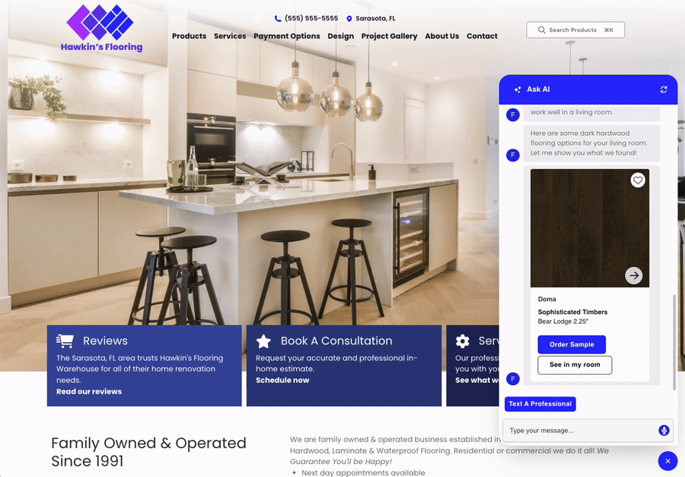
The Connected K&B Website: From First Search To First Consultation
Kitchen
Bathroom
20.07.2026
A K&B shopper spends months researching before contacting a retailer. A connected website lets her explore products, form preferences, and book a consultation at 9pm on a Tuesday — and delivers everything she did to the designer's inbox before the first call. This article walks the nine signals that show where the gaps are and the 90-day path to closing them.
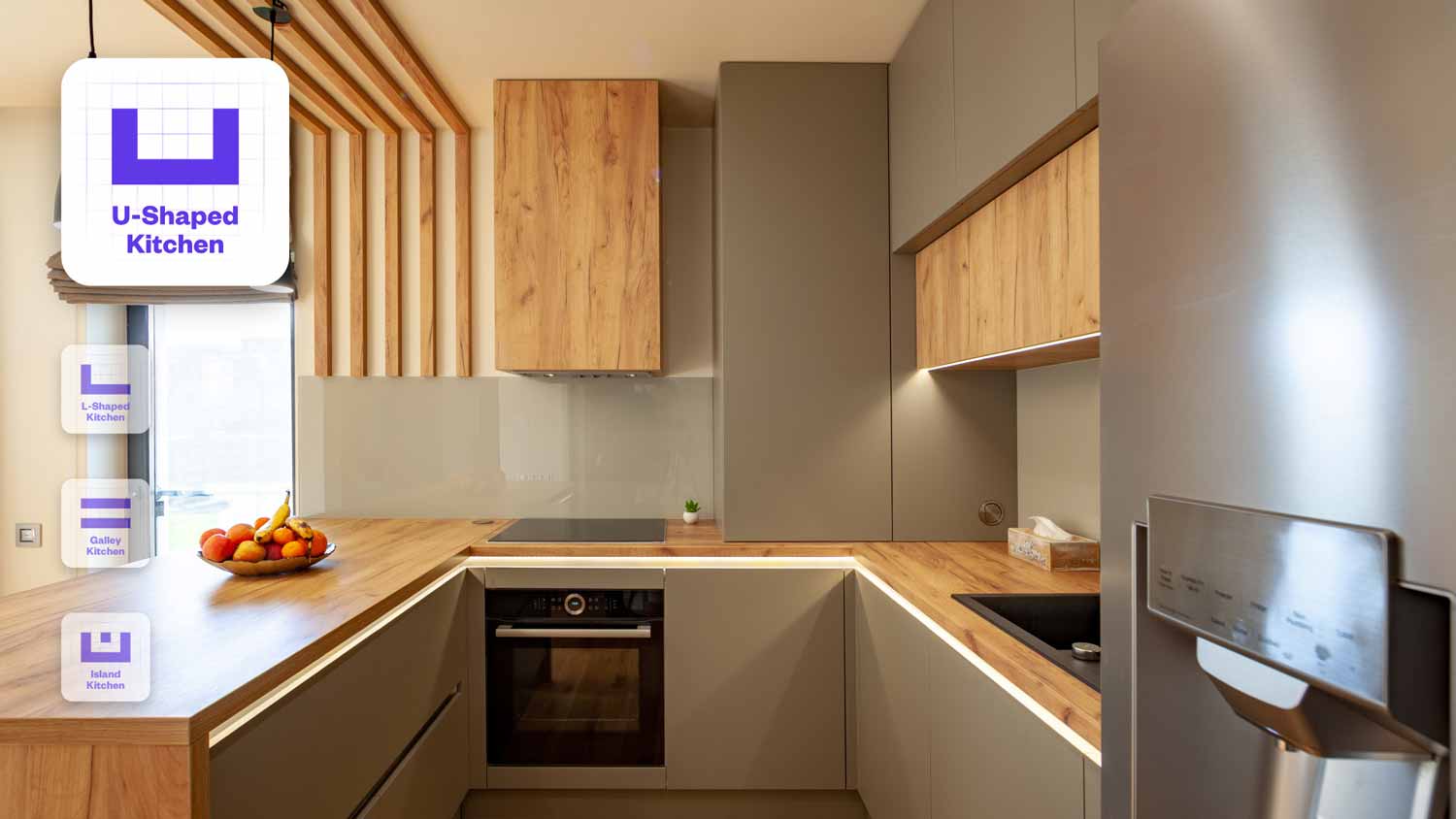
How to Design a Kitchen Layout: A Step-by-Step Guide for Professionals
Kitchen
22.06.2026
Learn how to design a kitchen layout step by step, from measurements and the work triangle to storage planning and 3D visualization.